Pro release 1.5.0
The 1.5.0 release stops assuming there is only one server, one scheduler, and one way to get code onto the box.
With Dokku Pro 1.4.0, the interface was rebuilt, processes became manageable from the browser, and the API grew considerably.
1.5.0 is about the assumptions underneath all of that. Dokku Pro used to assume you had one server, that it was running the default docker-local scheduler, and that your code arrived over git. None of those are true for everyone, and this release removes all three.
Two of the headline features in this release came straight from the issue tracker - managing several servers from one UI, and monitoring cron tasks from the web interface. If you have features you'd like implemented in Dokku Pro, please file them in the issue tracker so they can be implemented in a future release!
Here are the highlights from Dokku Pro 1.5.0.
Major Changes
Requires Dokku 0.38.26+
Warning
Dokku Pro 1.5+ will refuse to start if the minimum Dokku version is not installed.
The minimum required Dokku version has moved from 0.38.22 to 0.38.26. As with previous releases, the bump lets Dokku Pro rely on newer functionality in Dokku itself - in this case the scheduler configuration commands behind the new k3s support, and Dokku's pre-parsed port map output. Users are encouraged to upgrade to the latest version of Dokku prior to upgrading Dokku Pro.
To update, run:
# update the `dokku-update` package first
sudo apt update
sudo apt install dokku-update

# update your install (skipping app rebuild)
sudo dokku-update run --skip-rebuild
SERVER_PUBLIC_URL is now required
Breaking change in 1.5.0
SERVER_PUBLIC_URL is now required and no longer defaults to
https://admin.dokku.me. A server that never set it must do so before
upgrading, or it will fail to start.
This is the one upgrade step to take care of before anything else. Dokku Pro now uses its own public URL for more than password reset links - it is the server's own entry in the new server list, and it is the origin other servers are checked against when the UI talks to them. Guessing a default is no longer safe, so the value has to be set explicitly.
Add it to /etc/default/dokku-pro before you upgrade:
Minimum required service plugin versions
Warning
Dokku Pro 1.5+ will refuse to start if an installed plugin is not at the minimum supported version.
Good news here: no datastore plugin minimums moved in this release. The table is unchanged from 1.4.0, and is reproduced below for convenience.
| Plugin | Version |
|---|---|
| clickhouse | 1.49.2 |
| couchdb | 1.39.1 |
| elasticsearch | 1.41.1 |
| graphite | 1.37.1 |
| mariadb | 1.45.2 |
| meilisearch | 1.76.0 |
| memcached | 1.37.4 |
| mongo | 1.40.6 |
| mysql | 1.44.3 |
| nats | 1.39.0 |
| omnisci | 1.37.1 |
| postgres | 1.48.0 |
| pushpin | 1.42.1 |
| rabbitmq | 1.40.5 |
| redis | 1.43.0 |
| rethinkdb | 1.37.1 |
| solr | 1.43.0 |
| typesense | 1.43.1 |
The optional plugins behind HTTP Basic Auth, Let's Encrypt, and maintenance mode are also unchanged:
| Plugin | Version |
|---|---|
| http-auth | 0.11.1 |
| letsencrypt | 0.25.1 |
| maintenance | 0.10.1 |
The new scheduled task management requires Dokku's cron plugin at 0.37.0 or
newer. That is a core plugin whose version tracks the Dokku release it ships
with, so upgrading to Dokku 0.38.26 satisfies it - there is nothing separate to
install.
Managing multiple servers from one UI
If you run more than one Dokku Pro server, you no longer need more than one tab. Operators list peer servers in the primary server's configuration, and users pick a server from a command palette, authenticate to each one, and keep several sessions open at once. Switching servers re-scopes the entire UI to that server.
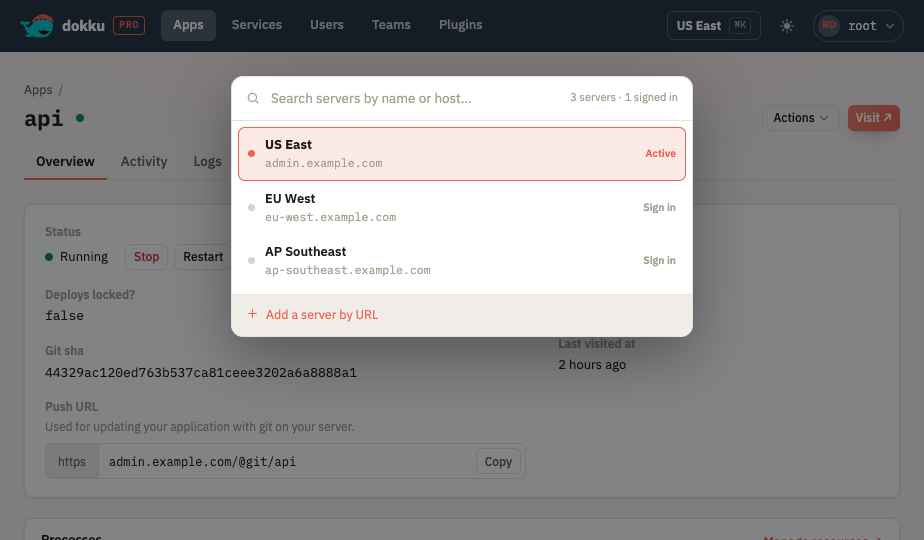
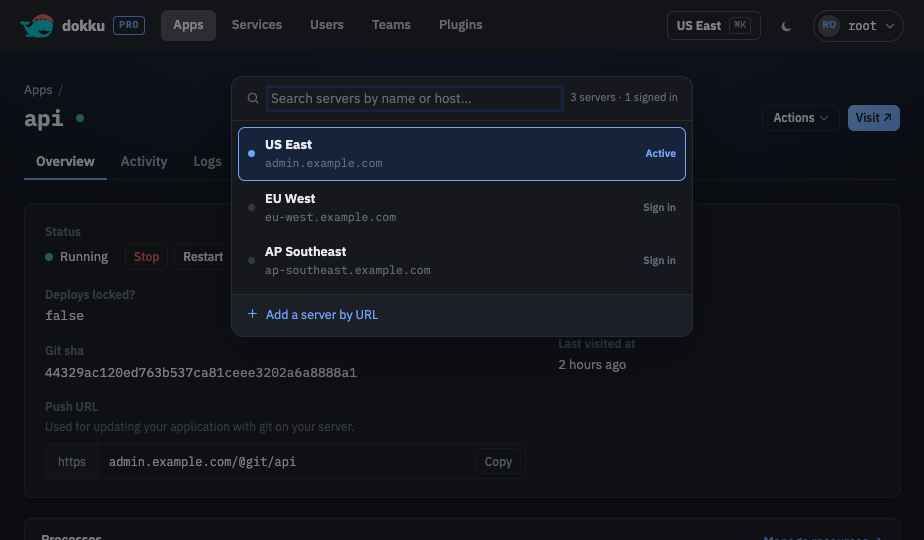
SERVER_NAME="US East"
SERVER_PUBLIC_URL="https://us-east.dokku.example.com"
SERVER_BACKENDS='[{"name":"EU West","url":"https://eu.dokku.example.com"}]'
There is deliberately no server-side proxy. The browser makes cross-origin,
Bearer-authenticated calls straight to the selected server's API, and each server
issues and validates its own tokens - so one compromised server cannot borrow
another's credentials. With SERVER_CUSTOM_SERVERS_ENABLED, users can also add
ad-hoc servers by URL, stored in their own browser. The selector is hidden
entirely when only one server is configured, so single-server installs are
unaffected.
Two things are worth knowing before you set this up. CORS headers come from the server being called, not the one serving the UI, so switching from server A to server B requires B to allow A's origin. And every participating server has to be running 1.5.0, since the server list endpoint and the header handling it depends on ship in this release.
Checkout the multiple servers documentation for the full configuration reference.
Scheduled tasks in the browser
The original ask was short: "Is it possible to monitor cronjobs through the web interface?" It is now.
Each app has a Cron tab listing its scheduled tasks with their command, schedule, concurrency policy, and computed next run. You can run any task on demand - it launches as a queued background job with its output on the Activity tab - and suspend or resume tasks individually. An app-wide control suspends or resumes all of an app's cron at once, and while it is suspended every task reads as paused.
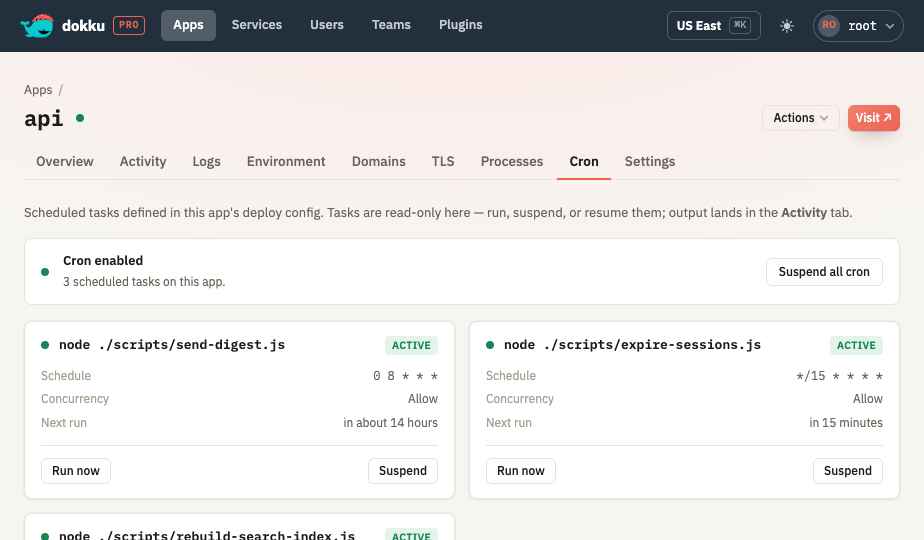
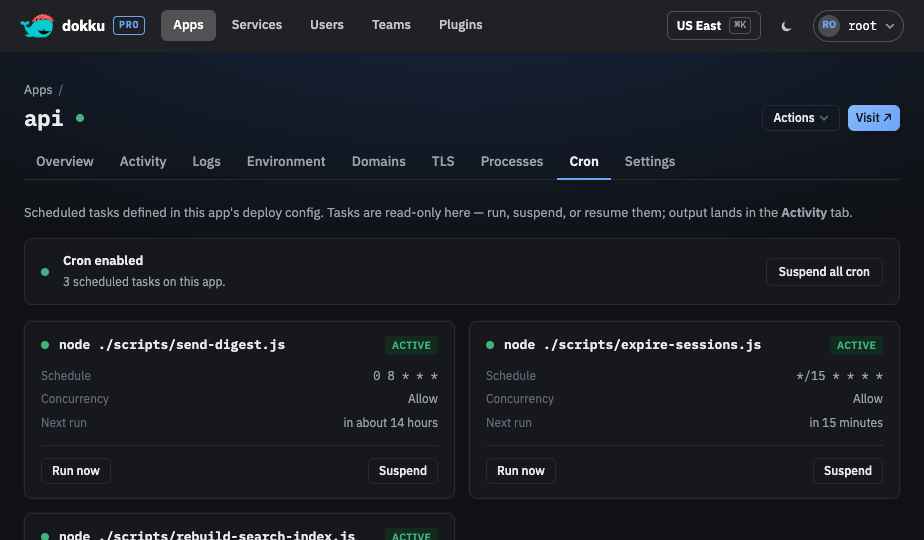
Task definitions themselves still come from the app's deploy configuration rather than the UI. Defining arbitrary tasks from the browser would mean adding that capability to Dokku itself, which is a separate piece of work.
Managing installed plugins
Plugin management was the top item on 1.4.0's "Coming up next" list and it has landed. The Plugins screen lists the community plugins installed on your server with their version, description, and enabled state, and lets you filter, install from a git URL with an optional branch, tag, or commit, enable, disable, update, and uninstall.
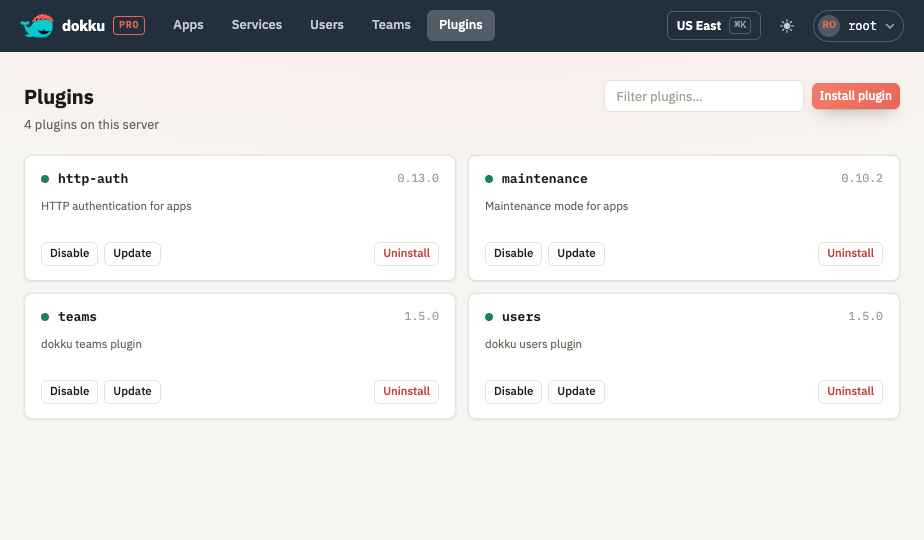
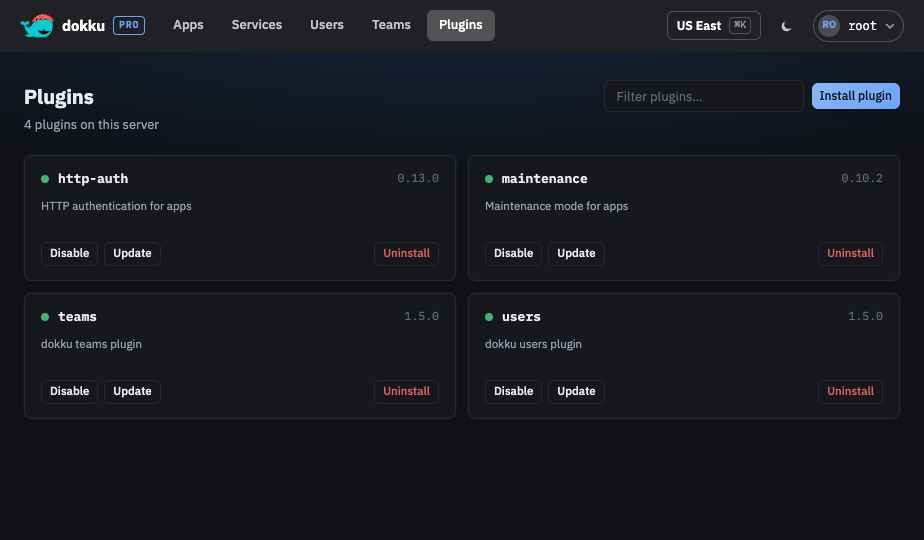
Core plugins that ship with Dokku are deliberately left out - they cannot be disabled or uninstalled, and they update with Dokku itself. Installing, updating, and uninstalling clone and build on the server, so they run as background jobs with their output streaming into Activity, while enabling and disabling take effect immediately.
One caveat: plugin management writes under /var/lib/dokku/plugins, which
requires root. The screen is only available when Dokku Pro itself runs as
root; otherwise it explains as much and points you at dokku plugin:install
on the server.
Checkout the plugin management documentation for more detail.
k3s as a first-class scheduler
Dokku can schedule apps with k3s instead of docker-local, but until now Dokku Pro quietly assumed the latter. This release audits the product end to end and adapts per app to whichever scheduler that app actually uses.
The differences that mattered most were around TLS and logs. Under k3s, the TLS tab shows an "Automatic TLS · cert-manager" panel instead of the letsencrypt plugin: pick a production or staging issuer, supply a per-app registration email, and a background rebuild applies it. There is no per-app ACME client and no server-wide renewal cron, because cert-manager handles renewal in the cluster. A manually uploaded certificate still takes precedence. Access and error logs are read from the cluster's ingress-nginx pods rather than from a per-app nginx.
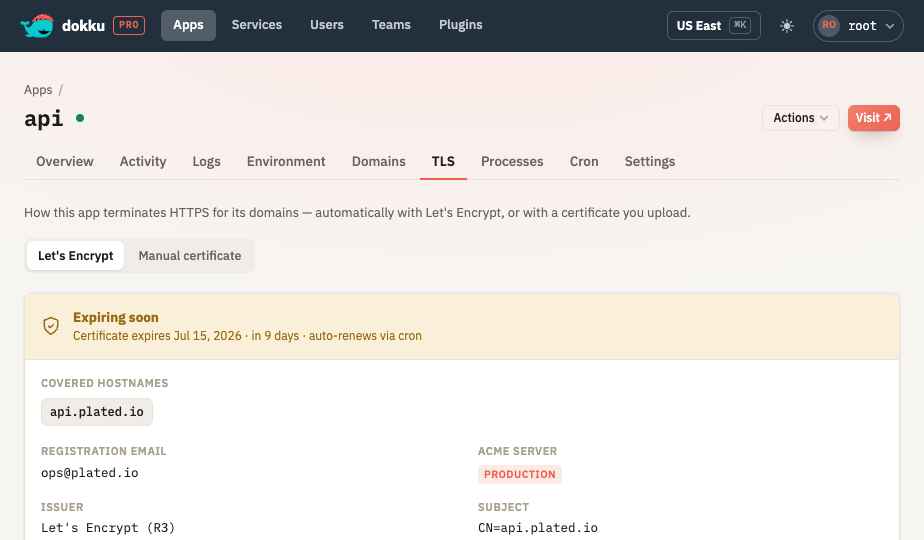
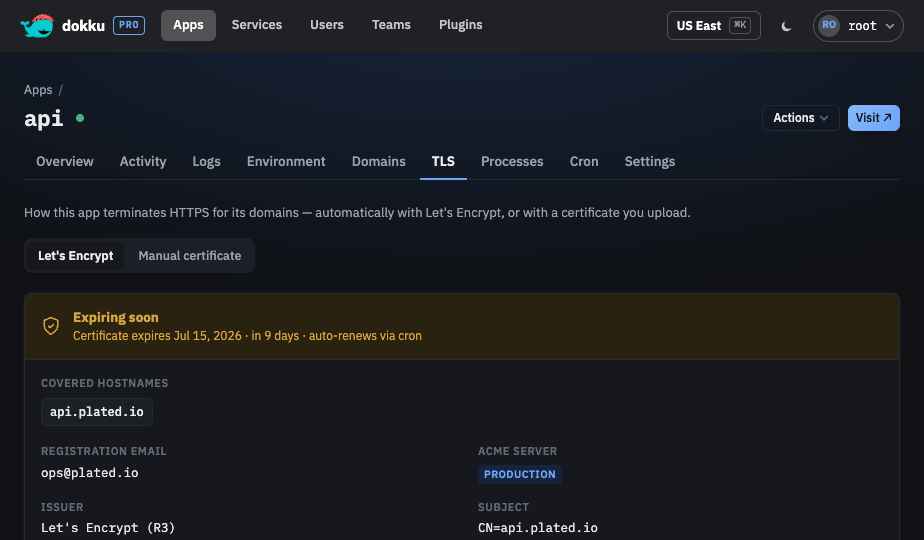
Scheduler configuration is now exposed as well. An Advanced scheduler config card on the app's Scheduler settings screen surfaces the active scheduler's per-app properties - init process and parallel schedule count for docker-local; deploy timeout, image pull secrets, namespace, shared memory size and more for k3s - each showing its local value, the global default, the effective value, and a control to reset back to the global.
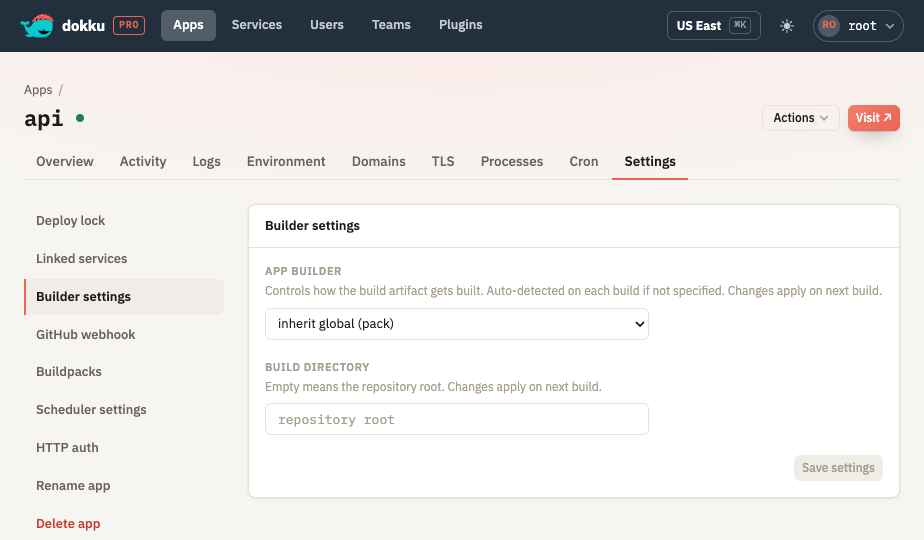
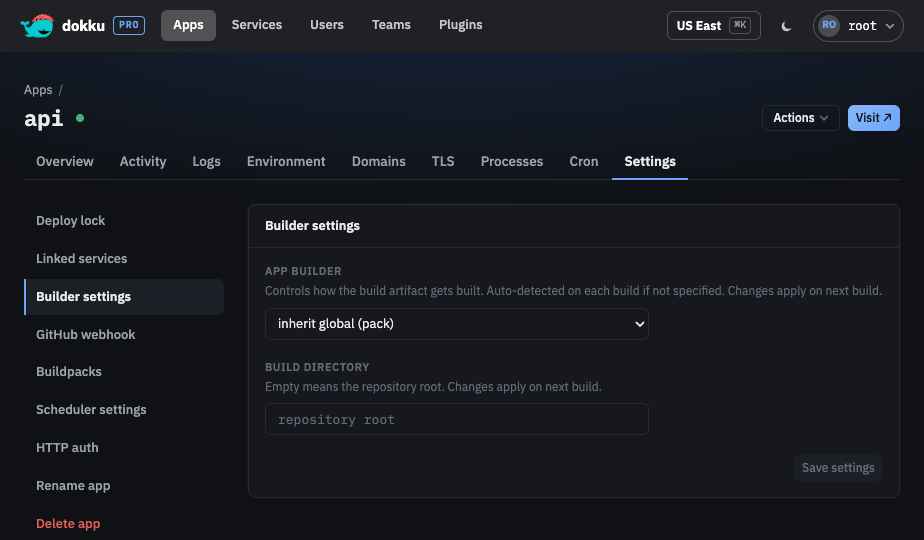
The same settings are available over the API through new schedulerK3s,
schedulerDockerLocal, and schedulerGlobal resources plus their per-app
counterparts. Per-app scheduler settings can now also be cleared so they fall
back to the global default, and the shell used by dokku run and dokku enter
is configurable.
Deploy from an archive
The app Actions menu now offers three deploy sources, any of which is valid as an app's very first deploy: sync from git, deploy from a Docker image, and deploy from an archive.
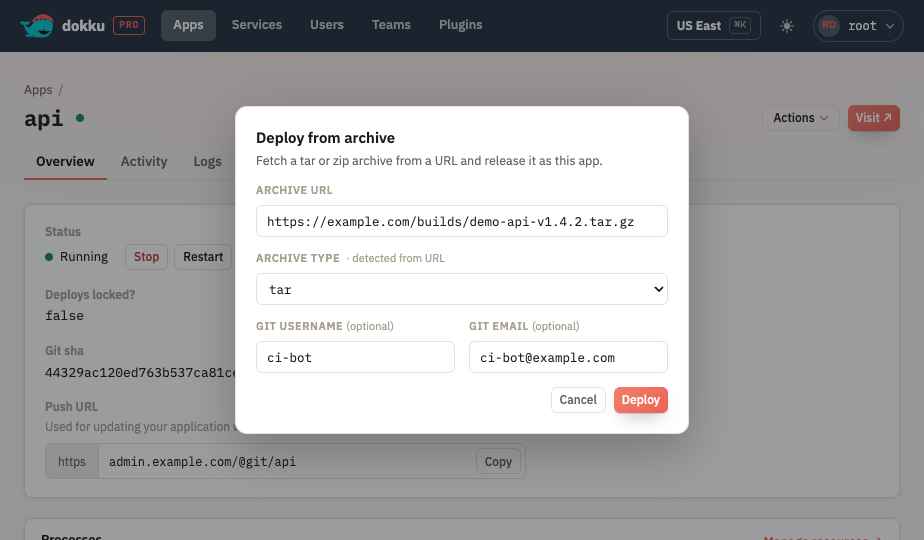
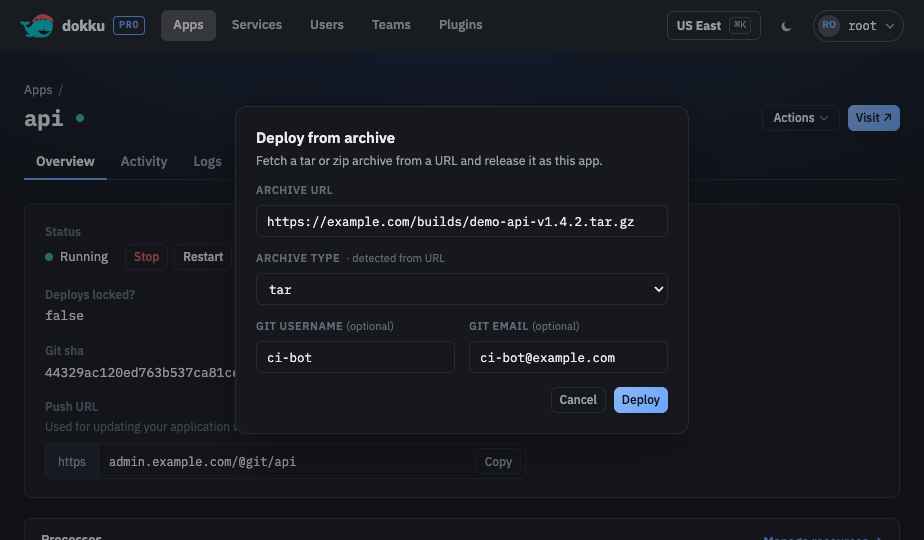
The archive option fetches a tar, tar.gz, or zip from a URL. The archive type is
detected from the URL and can be overridden, and you can optionally supply a git
username and email to attribute the synthesized commit. Like the other deploy
paths it runs as a queued background job, and it is backed by Dokku's
git:from-archive.
This is handy for anything that produces a build artifact rather than a git repository - a CI job publishing a tarball, or a release asset you want to push to a server without giving it access to your source.
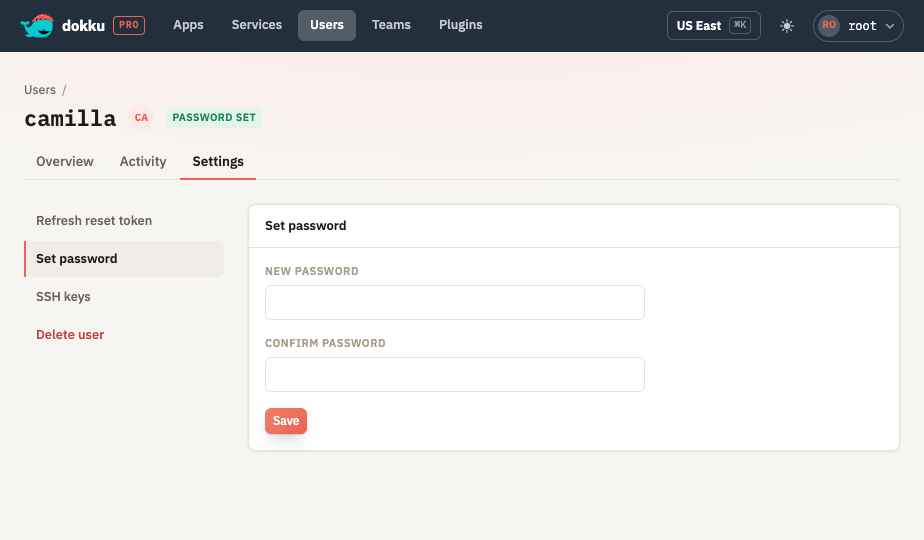
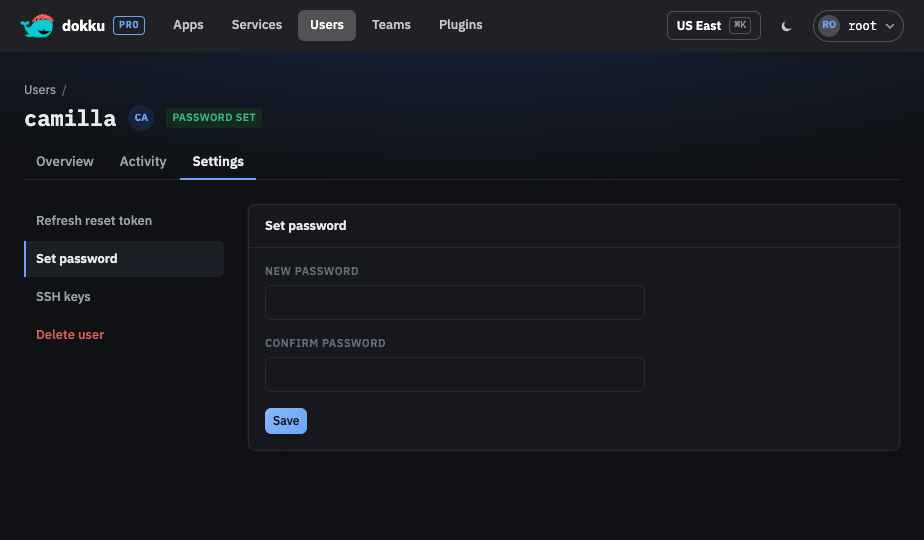
Setting user passwords
This one closes a real gap. A user created through the UI or API had their password silently discarded, and attempts to update it returned a 500, which meant a user created outside the CLI could never actually sign in.
Passwords can now be set from the UI, the API, and a new CLI command:
# set a password interactively
dokku users:set-password alice

# or read it from stdin, keeping it out of shell history and the process list
echo "$PASSWORD" | dokku users:set-password alice --password-stdin
--password-stdin works with users:create too. A user can set their own
password and an admin can set anyone's, and setting a password clears any
outstanding reset token, which invalidates reset links you have already handed
out. Passwords are piped to dokku over stdin throughout, so they never appear in
an argument list or a log. The root user is the exception - it authenticates
against ROOT_TOKEN and its password cannot be set.
Re-run the teams installer after upgrading
Run sudo dokku-pro teams:install after upgrading so the users plugin picks
up the new users:set-password command.
A ports resource and broader replace-all
Ports are now a first-class API resource with structured scheme, host port, and container port attributes, rather than something you could only reach as a space-delimited string. Port changes do not queue a rebuild, mirroring how domains behave.
The /operations endpoint's collection replacement also grew considerably. It
previously handled domains only; it now covers domains, ports, envs,
formations, buildpacks, httpAuthIPs, and httpAuthUsers, so you can
declare the desired end state of any of them in a single request and let Dokku
Pro work out the adds and removes.
Two behaviors are worth reading the docs on before you rely on them. An envs
replacement is exactly that - it must carry the complete desired set, including
DOKKU_* variables, or you will remove them. And buildpacks is not atomic,
because Dokku has no command that sets the whole ordered list at once, so a
failure partway through can leave a truncated list.
Checkout the operations documentation for the per-entity details.
Minor Changes
As with the last two releases, rather than a catch-all "miscellaneous bug fixes and improvements" section, here is what else went in:
- Destroying an app, service, or user now purges that resource's activity,
whether the destroy came from Dokku Pro or the
dokkuCLI, so a resource later recreated with the same name starts clean. The destroy itself stays in the acting user's audit trail. - Those purges run in the background and never block the destroy. The server records the purge durably and applies it moments later, retrying from an on-disk spool if it restarts mid-purge.
- Fixed activity purges silently doing nothing when Dokku Pro runs as
root. The socket the purge is emitted over was root-owned and unreachable by thedokkuuser, and the failure was being swallowed. - Port mappings are read from Dokku's pre-parsed JSON output instead of being split out of a space-delimited string.
- Updated to Go 1.27 and Node 26.8.1.
Dokku Pro Pricing
To reflect the growing footprint of Dokku Pro and the functionality it provides to users, this release increases Dokku Pro's price to $999. The old price has not seen a change in 4 years, and the price increase is here in order to support continued active development for existing and new users.
Please bear in mind that this is a lifetime license, and users are entitled to all upgrades of Dokku Pro as long as they are made. Folks wishing to support continued development of both Dokku and Dokku Pro are encouraged to purchase today before the price is increased in the future.
Coming up next?
With the multi-server and multi-scheduler groundwork done, the next few releases lean back towards access control and day-to-day operations. Here is some of what we will be working towards:
- Read-only teams that can be scoped to specific apps
- Two-factor authentication for login
- Persistent volume storage in the API
- Running arbitrary commands in an app container, attached or detached
- Renaming a service from the UI
- Custom branding for the web UI
- Distribution via a custom apt repository
Have a feature request or a bug to report? Feel free to file it in the issue tracker here. The two headline features in this release came from there, and it is the best way to get something in front of us.
Thanks everyone for your support, and I hope you all enjoy this release of Dokku Pro!